Why AI Study Apps Are a Game-Changer
Gone are the days of manually typing flashcards and re-reading highlights. AI study apps can now take your raw study materials — PDFs, lecture recordings, YouTube videos — and transform them into interactive learning tools in seconds. If you're new to this technology, check out our guide on how to study with AI for a complete walkthrough.
Here are the 5 best AI study apps in 2026, ranked by features, pricing, and overall value.
1. Atlas AI — Best All-in-One Study App
Website: atlas-ai.in
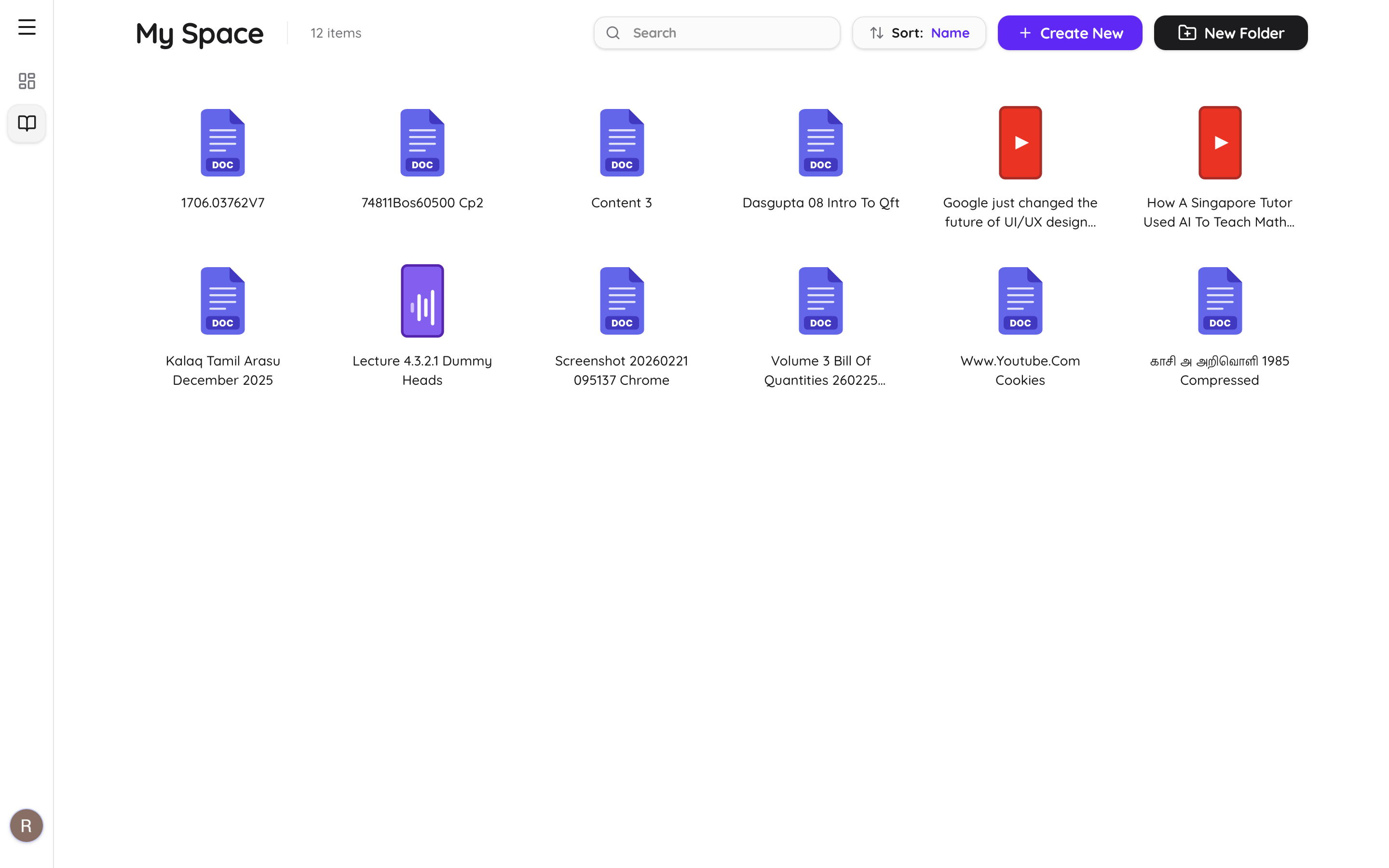
Atlas AI is the most focused AI study tool available. It handles everything from document parsing to flashcard generation, quiz creation, and AI-powered chat with page-level citations — all in a single workflow.
What Makes It Stand Out:
- •Upload anything — PDFs, Word docs, PowerPoint, YouTube links, and audio recordings
- •AI-generated flashcards with built-in spaced repetition (learn more in our AI flashcard guide)
- •Practice quizzes with detailed explanations
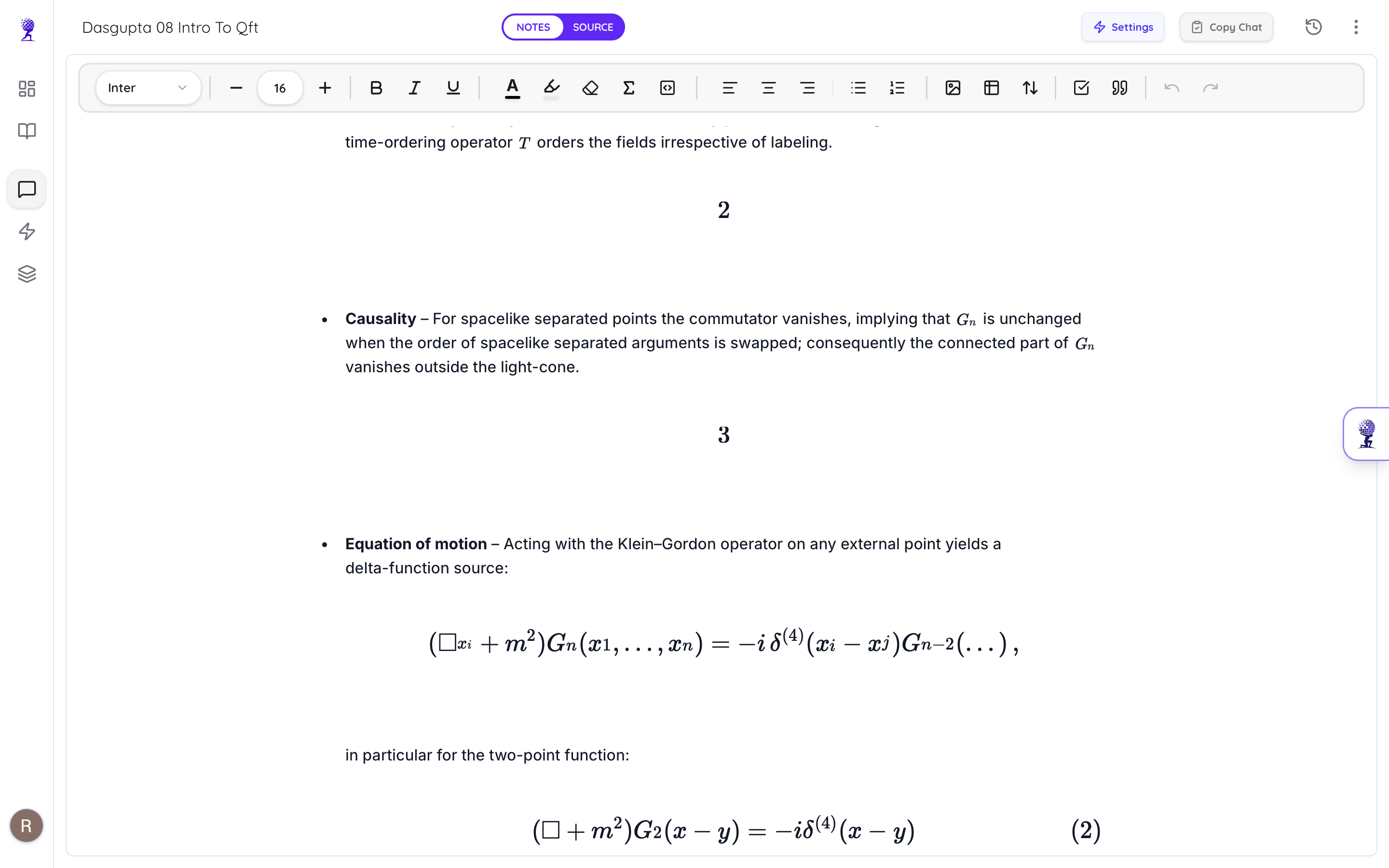
- •Chat with your documents — get answers with page-level citations you can verify
- •YouTube transcript extraction — turn any video into structured study notes
- •Audio transcription — record lectures and get instant notes
- •All-in-one workflow — upload → notes → flashcards → quiz → chat without switching apps
Pricing:
- •Free: 1 document, 5 AI messages, 15 flashcards
- •Premium: $9/month (50% launch offer) — 20 documents, 1000 AI messages, 2000 flashcards
Verdict: At $9/month, Atlas AI is the cheapest full-featured study app. No feature bloat, everything works together.
2. StudyFetch — Feature-Rich but Cluttered
StudyFetch is a popular AI study platform packed with features. It supports PDFs, YouTube, audio, and even handwritten notes.
Pros:
- •Supports PDFs, YouTube, audio uploads, and handwritten notes
- •AI tutor (Spark.E) that answers questions from your materials
- •AI flashcards and quizzes
- •Live Lecture Assistant (Premium)
- •Study games and leaderboards
Cons:
- •Interface can feel cluttered and overwhelming
- •Multiple users report bugs and data loss
- •Free tier is very limited (1 study set, 2 uploads)
- •Premium at $12/month (or $8/month annually)
3. Quizlet — The Classic (Now with AI)
Quizlet has been around for years and recently added AI features like Q-Chat and Magic Notes. It's the most well-known flashcard app with a massive community library.
Pros:
- •Massive community flashcard library
- •Q-Chat AI tutor and Magic Notes for set creation
- •Can scan documents to create study sets
- •Simple and familiar interface
- •Mobile app with offline access
Cons:
- •AI features locked behind Quizlet Plus (~$3/month annually, $8/month monthly)
- •No deep document parsing or structured note generation
- •No page-level citation in AI responses
- •Community sets can be inaccurate
Related: Read our deep dive into the best Quizlet alternatives in 2026.
4. Notion AI — Best for Note Organization
Notion with AI is great for organizing study materials and generating summaries, but it's not purpose-built for studying. It's more of a general productivity tool.
Pros:
- •Excellent note and knowledge organization
- •AI writing and summarization assistant
- •Rich document editing with databases, tables, and embeds
Cons:
- •No flashcard or quiz generation
- •No spaced repetition
- •Not designed for exam preparation
- •AI requires Business plan ($20/user/month) for new users
5. ChatGPT — The General-Purpose Option
ChatGPT Plus can accept file uploads (PDFs, Word, images, spreadsheets) and chat about them. It's the most powerful general AI, but it's not a study system.
Pros:
- •Most powerful AI model available
- •Can upload and analyze PDFs, DOCX, images, and more
- •Can generate flashcards, quizzes, and summaries on request
- •Useful for explaining complex topics
Cons:
- •No organized library — files aren't saved or structured
- •No spaced repetition or learning tracking
- •No automated flashcard/quiz generation — you prompt everything manually
- •No page-level citations — can't verify where answers come from
- •$20/month for Plus
Comparison Table
| Feature | Atlas AI | StudyFetch | Quizlet | Notion AI | ChatGPT |
|---|---|---|---|---|---|
| PDF Upload | ✅ | ✅ | Scan only | ✅ | ✅ |
| YouTube Notes | ✅ | ✅ | ❌ | ❌ | ❌ |
| Audio Transcription | ✅ | ✅ (Premium) | ❌ | ❌ | ❌ |
| AI Flashcards | ✅ Auto | ✅ Auto | ✅ Auto | ❌ | Manual |
| AI Quizzes | ✅ Auto | ✅ Auto | ✅ (Test mode) | ❌ | Manual |
| Chat with Docs | ✅ Cited | ✅ (Spark.E) | ✅ (Q-Chat) | ✅ | ✅ |
| Page-Level Citations | ✅ | ❌ | ❌ | ❌ | ❌ |
| Spaced Repetition | ✅ Built-in | ❌ | ✅ | ❌ | ❌ |
| Free Tier | ✅ | Very limited | Limited | ❌ | Limited |
| Price (Monthly) | $9/mo | $12/mo | $8/mo | $20/mo | $20/mo |
Final Verdict
Each tool has its strengths. StudyFetch and Atlas AI both cover the full upload-to-study pipeline, but Atlas AI's advantage is its clean design and page-level citations — you can verify exactly where every AI answer comes from.
Quizlet is great if you mostly want flashcards and community sets. ChatGPT is the swiss army knife but requires manual work for everything. Notion is best for organizing, not studying.
For students who want one app that handles the entire study workflow without feature bloat — upload, notes, flashcards, quizzes, and cited chat — try Atlas AI free.