You're Wasting Hours Typing Flashcards. AI Does It in 30 Seconds.
You're spending 2 hours manually typing flashcards into Quizlet, only to realize half the features you need are locked behind a paywall. There's a better way.
If you're frustrated with the direction Quizlet has taken — removing free access to "Learn" mode and charging for basic study tools — you aren't alone. Students are abandoning traditional flashcard apps and switching to AI-powered study platforms.
Ready to skip the typing? Start studying with Atlas AI — it's free →
The Problem with Traditional Flashcard Apps
Quizlet was revolutionary a decade ago. It digitized the index card. But in 2026, simply moving paper flashcards to a screen isn't enough.
The biggest issues students face with Quizlet today:
- •Manual Data Entry — You still have to read your textbook, find the key terms, and type them in one by one. It's a massive time sink.
- •The "Learn" Mode Paywall — Quizlet's most effective study mode — spaced repetition learning — was heavily restricted for free users.
- •Siloed Studying — Your flashcards are separate from your lecture notes, your textbooks, and your practice quizzes.
We don't just need a digital flashcard — we need an assistant that creates the flashcards for us.
The Best Quizlet Alternative: Atlas AI
If you want a modern study tool that actually saves you time, Atlas AI is the ultimate Quizlet alternative.
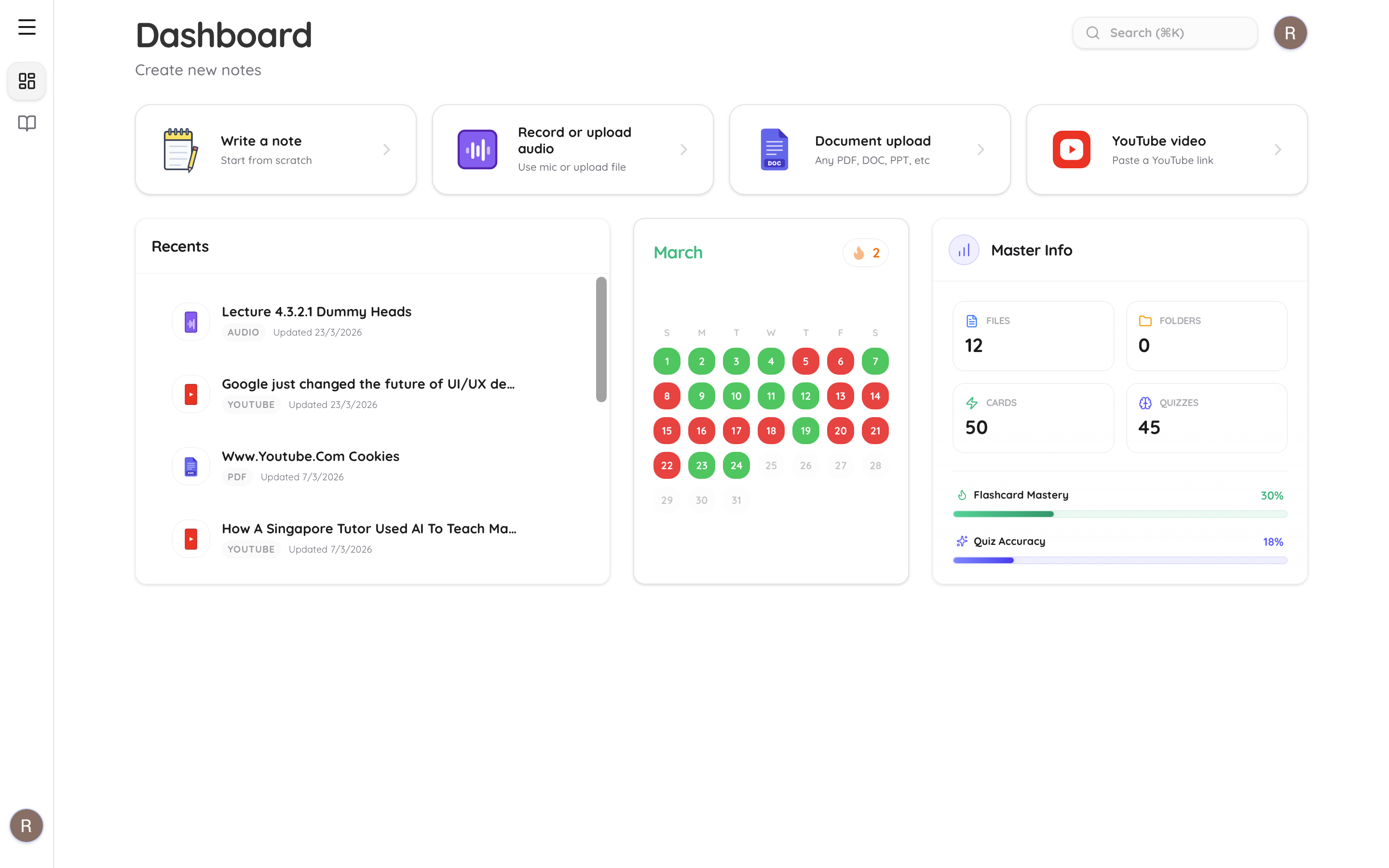
Instead of typing out cards, you just give Atlas AI your study material. Upload a PDF, a PowerPoint, or even a YouTube lecture link. In about 30 seconds, Atlas AI reads the entire document and instantly generates a complete deck of flashcards.
1. Zero Manual Typing
Atlas AI extracts the most important concepts, vocabulary, and definitions from your syllabus and turns them into cards automatically. You go from "upload" to "studying" in under a minute.
2. Built-in Spaced Repetition (For Free)
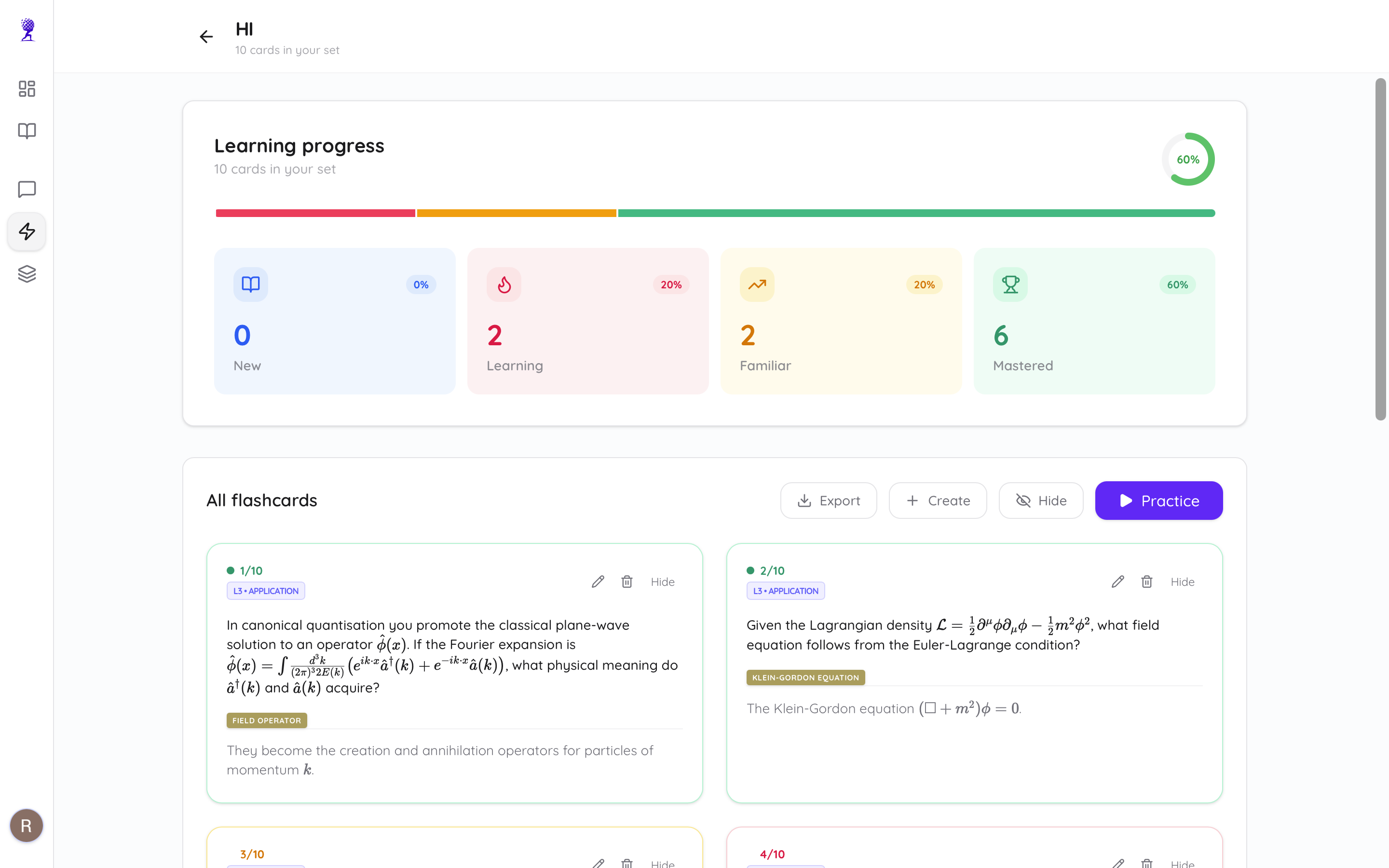
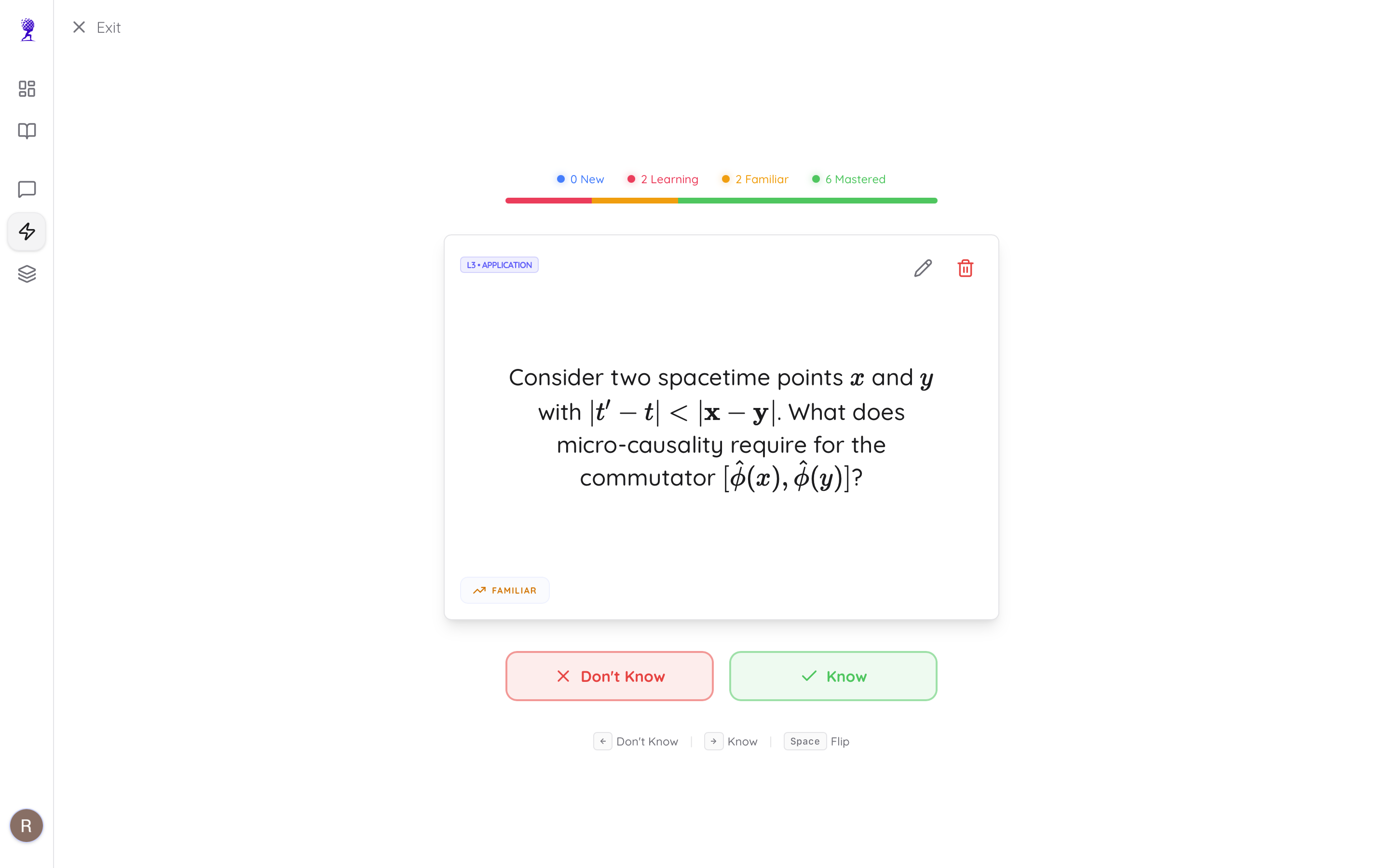
Spaced repetition is the scientifically proven method of reviewing material at optimal intervals so you never forget it. While Quizlet paywalls this feature, Atlas AI includes smart tracking for free. You mark cards as "New," "Learning," or "Mastered," and the AI ensures you focus only on what you don't know yet.
3. It's More Than Just Flashcards
When you upload a document to Atlas AI, you don't just get flashcards. From that single upload, the AI also generates:
- •Clean, structured study notes with key concepts highlighted
- •A multiple-choice practice quiz to test your knowledge
- •An AI chatbot that knows your document inside and out
If you don't understand a flashcard, you can open the chat and ask, "Can you explain this concept in simpler terms?" and it will answer with exact page-level citations from your textbook.
Atlas AI handles the busywork so you can focus on learning. Try it free →
Feature Comparison: Quizlet vs Atlas AI
| Feature | Quizlet | Atlas AI |
|---|---|---|
| Manual Typing Required? | Yes | No (AI-generated) |
| PDF/YouTube Uploads | Limited/Paid | ✅ Yes (Free tier) |
| Spaced Repetition | Paywalled | ✅ Free |
| Practice Quizzes | Limited | ✅ From your material |
| Chat with Textbook | No | ✅ With page citations |
| Price | $35.99/year | Free tier / $9/mo Premium |
How to Switch in 3 Steps
Ready to drop Quizlet? Making the switch takes less than two minutes:
- •Create an account on Atlas AI
- •Upload your syllabus or textbook chapter — PDF, Word, or YouTube link
- •Click "Flashcards" and start studying the AI-generated deck immediately
Stop Wasting Time on Busywork
Your time as a student is incredibly valuable. Every hour you spend copy-pasting definitions into Quizlet is an hour you could have spent actually memorizing the material.
Stop creating flashcards manually. Let AI do it for you. Get started with Atlas AI for free →