Why Manual Flashcards Are Dead
Making flashcards by hand takes hours. A single chapter can produce 50-100 cards, and typing each one is tedious.
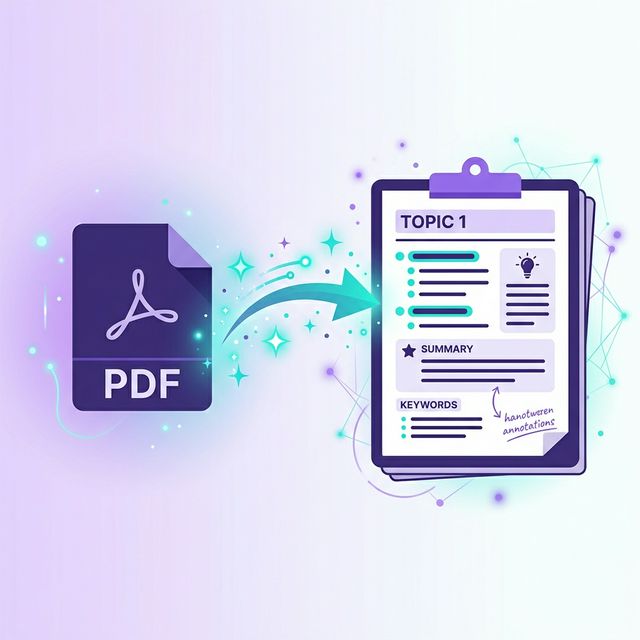
AI flashcard generators solve this by reading your study material and creating cards automatically — with the right questions, answers, and even LaTeX math rendering.
How AI Flashcard Generation Works
- •You upload your PDF, notes, or YouTube video
- •AI analyzes the content and identifies key concepts
- •Cards are generated with questions on one side and answers on the other
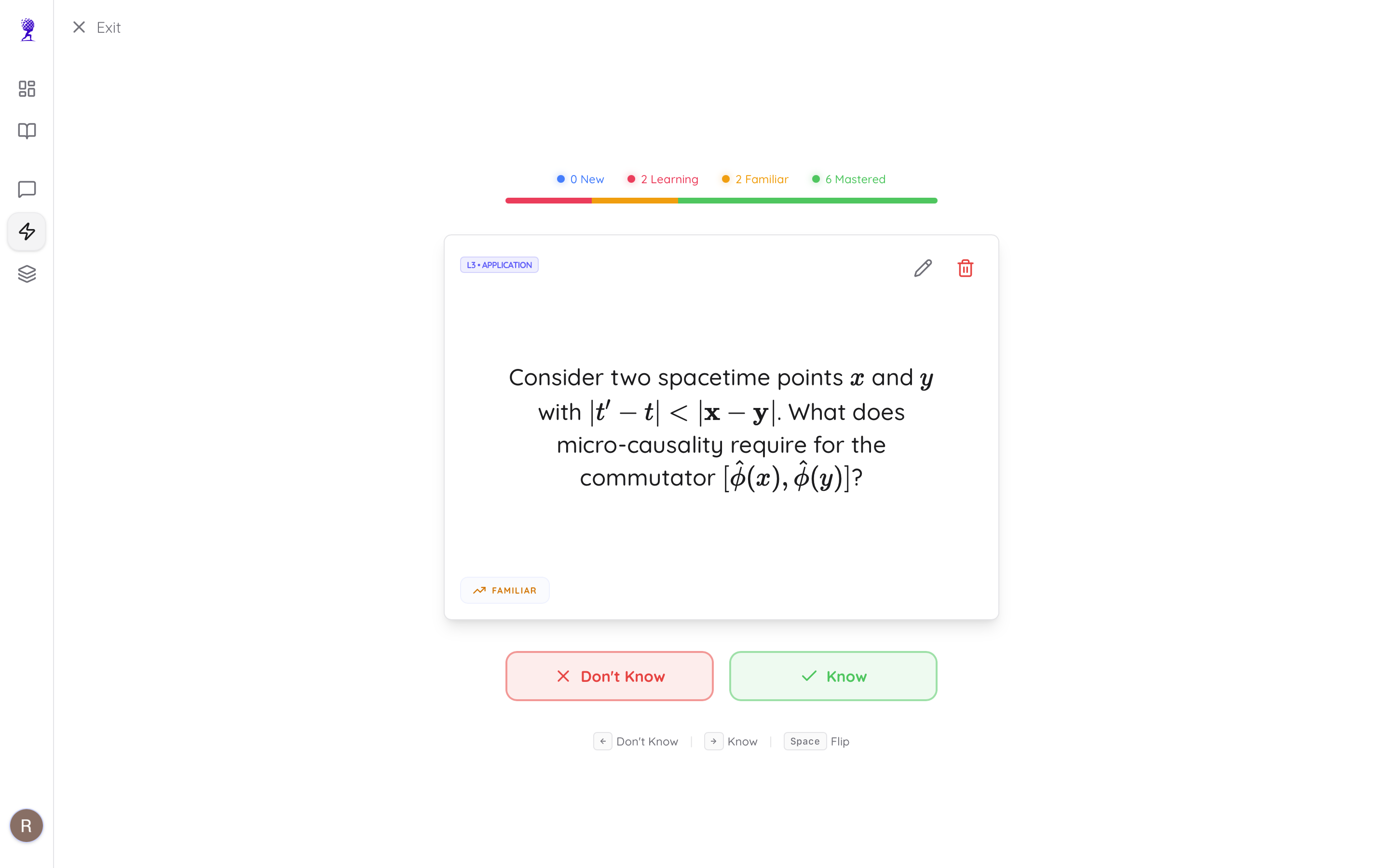
- •You review using spaced repetition algorithms
The entire process takes about 30 seconds for a typical document.
Best AI Flashcard Generators in 2026
1. Atlas AI (Recommended)
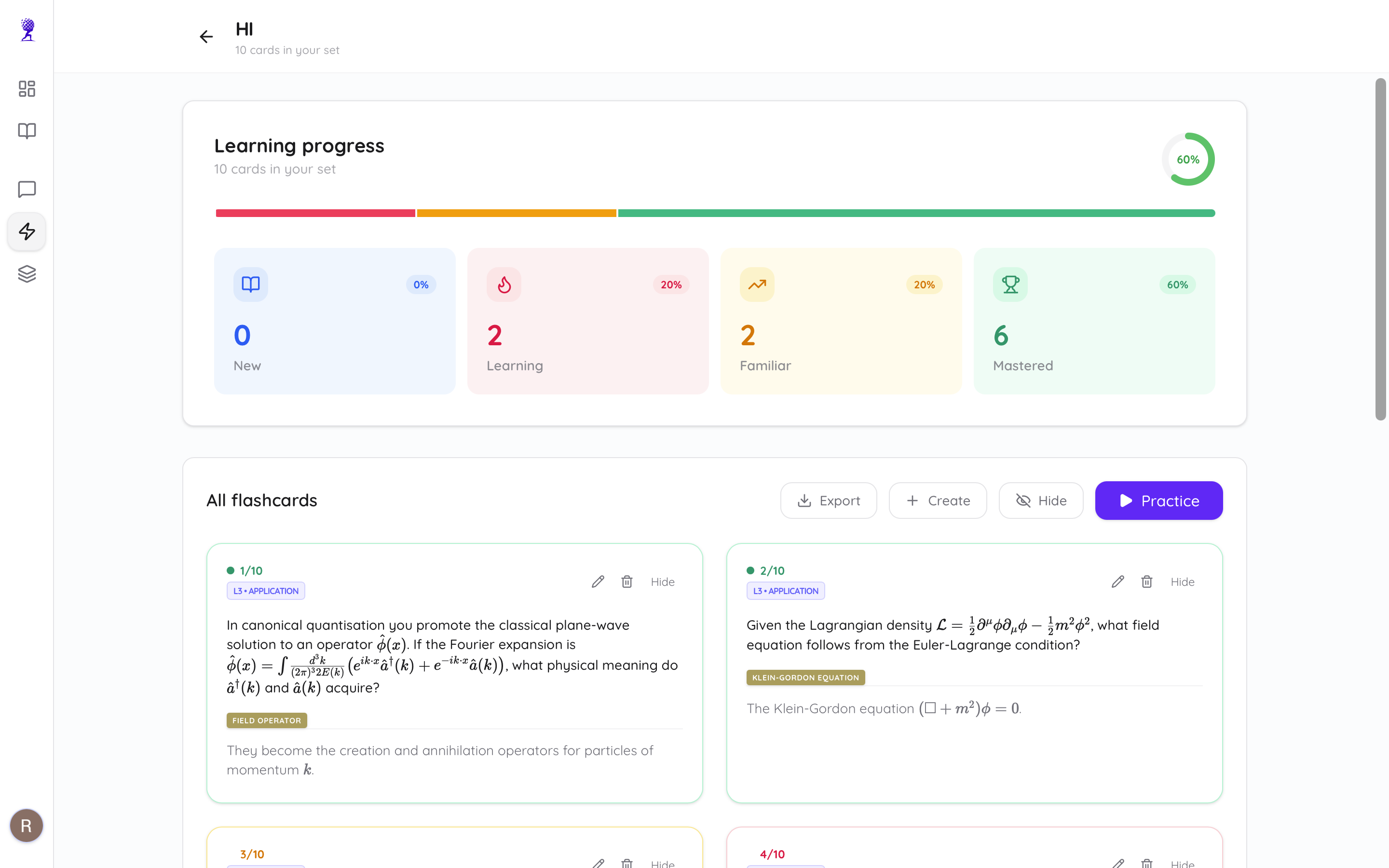
- •Upload PDF → get flashcards instantly
- •Supports LaTeX math formulas
- •Built-in spaced repetition (New → Learning → Mastered)
- •Also generates quizzes from the same material
- •Free tier: 15 cards | Premium: 2000 cards/month
2. Quizlet AI
- •Popular but limited AI features
- •Community-shared decks
- •Requires Plus subscription for AI. Many students find this limiting and are switching to modern Quizlet alternatives.
3. Anki (Manual)
- •Best spaced repetition algorithm
- •But no AI generation — you type everything manually
- •Free and open source
Tips for Better AI Flashcards
- •Upload clean PDFs — scanned handwritten notes may produce lower-quality cards
- •Generate per chapter — don't upload entire textbooks at once
- •Edit the AI's output — review and tweak cards that aren't clear
- •Use regularly — spaced repetition only works if you actually review
Tip: If you're struggling to organize your materials before making cards, read our guide on AI note taking apps.
How to Get Started
- •Go to Atlas AI
- •Upload your PDF or paste a YouTube link
- •Click "Generate Flashcards"
- •Start reviewing with spaced repetition
It's free to try — no credit card required.
Stop wasting time typing flashcards. Let AI do it for you. Get started →