The Problem with Reading PDFs
Textbook PDFs are dense. Reading 50 pages and trying to remember key points is inefficient. You end up highlighting everything or nothing.
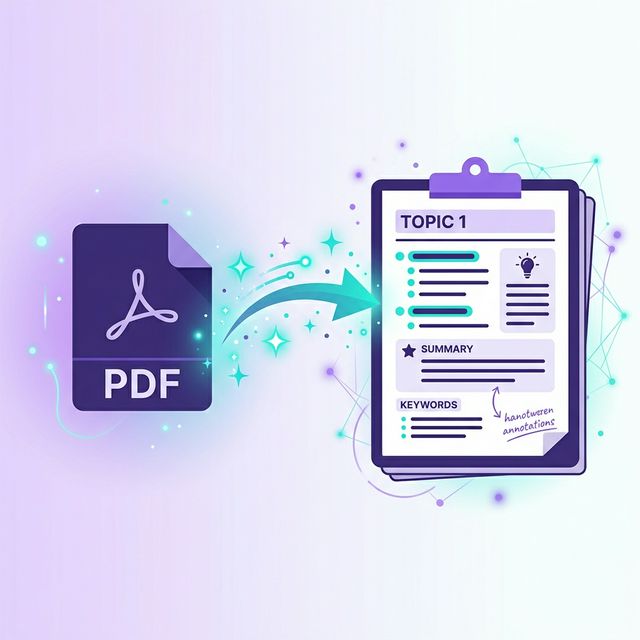
AI-powered PDF analysis extracts the important parts for you — giving you clean, structured notes you can actually study from.
How PDF-to-Notes AI Works
- •Upload your PDF to an AI study tool
- •AI parses the document — extracting text, tables, formulas, and images
- •Key concepts are identified and organized by topic
- •You get structured notes with headings, bullet points, and highlights
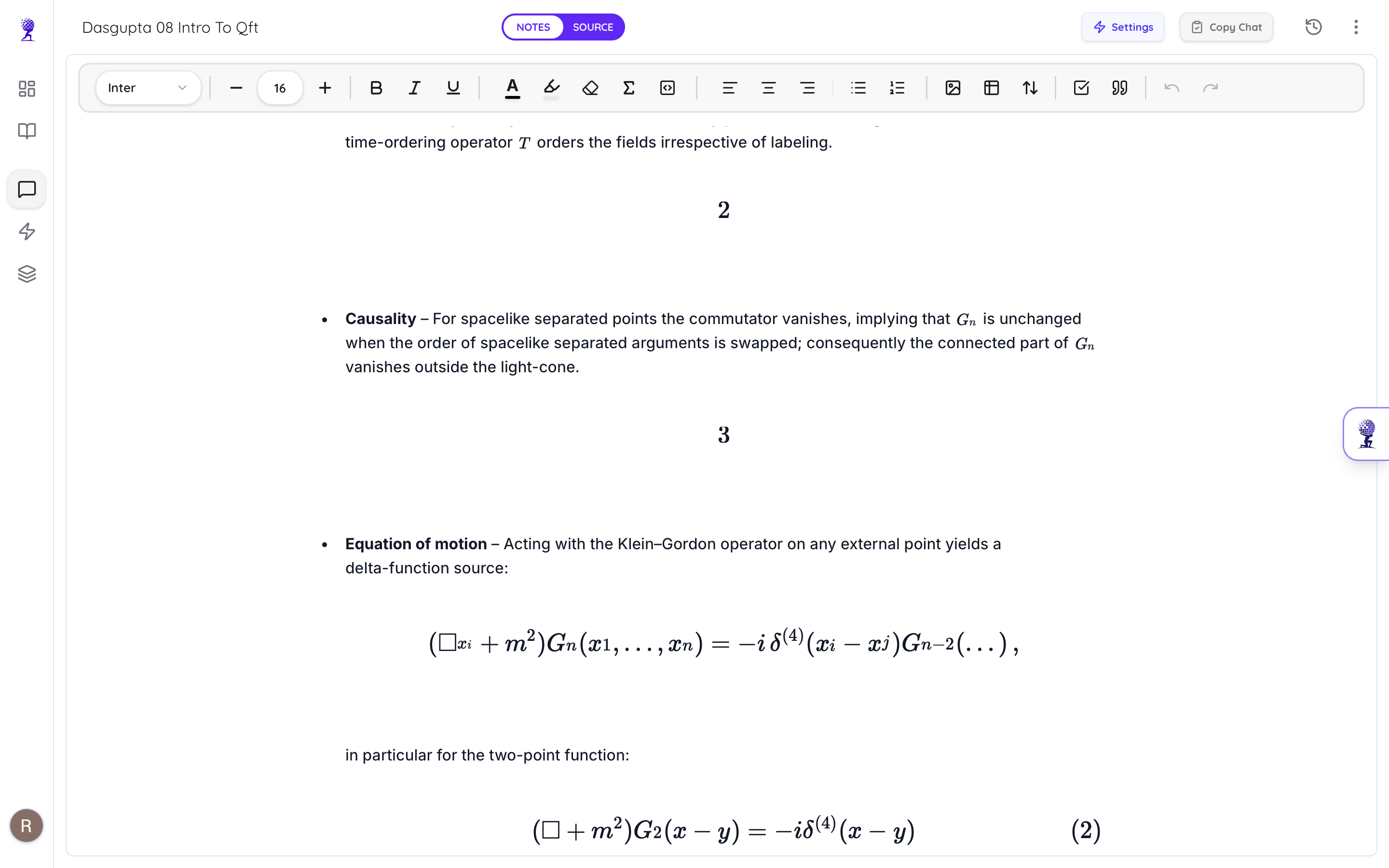
What AI Can Extract:
- •Chapter headings and structure
- •Key definitions and terminology
- •Formulas and equations (with LaTeX rendering)
- •Tables and data
- •Important examples and case studies
Step-by-Step: Convert PDF to Notes with Atlas AI
Step 1: Upload
Go to Atlas AI and drag your PDF into the upload area. Supports files up to 25MB and 1000 pages (Premium).
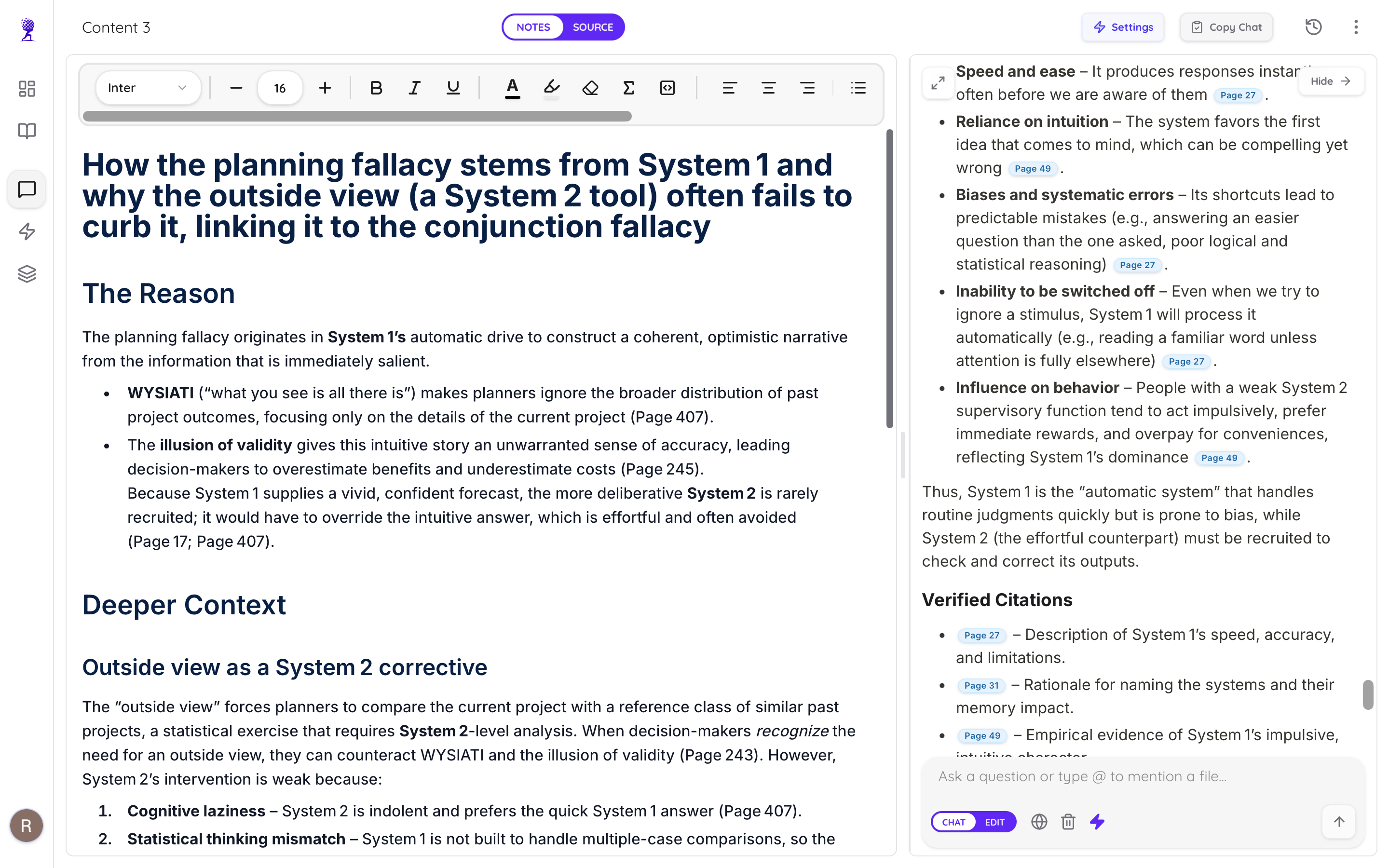
Step 2: Wait for Processing
AI processes your document in about 15-30 seconds. It uses OCR for scanned documents, so even photo-based PDFs work.
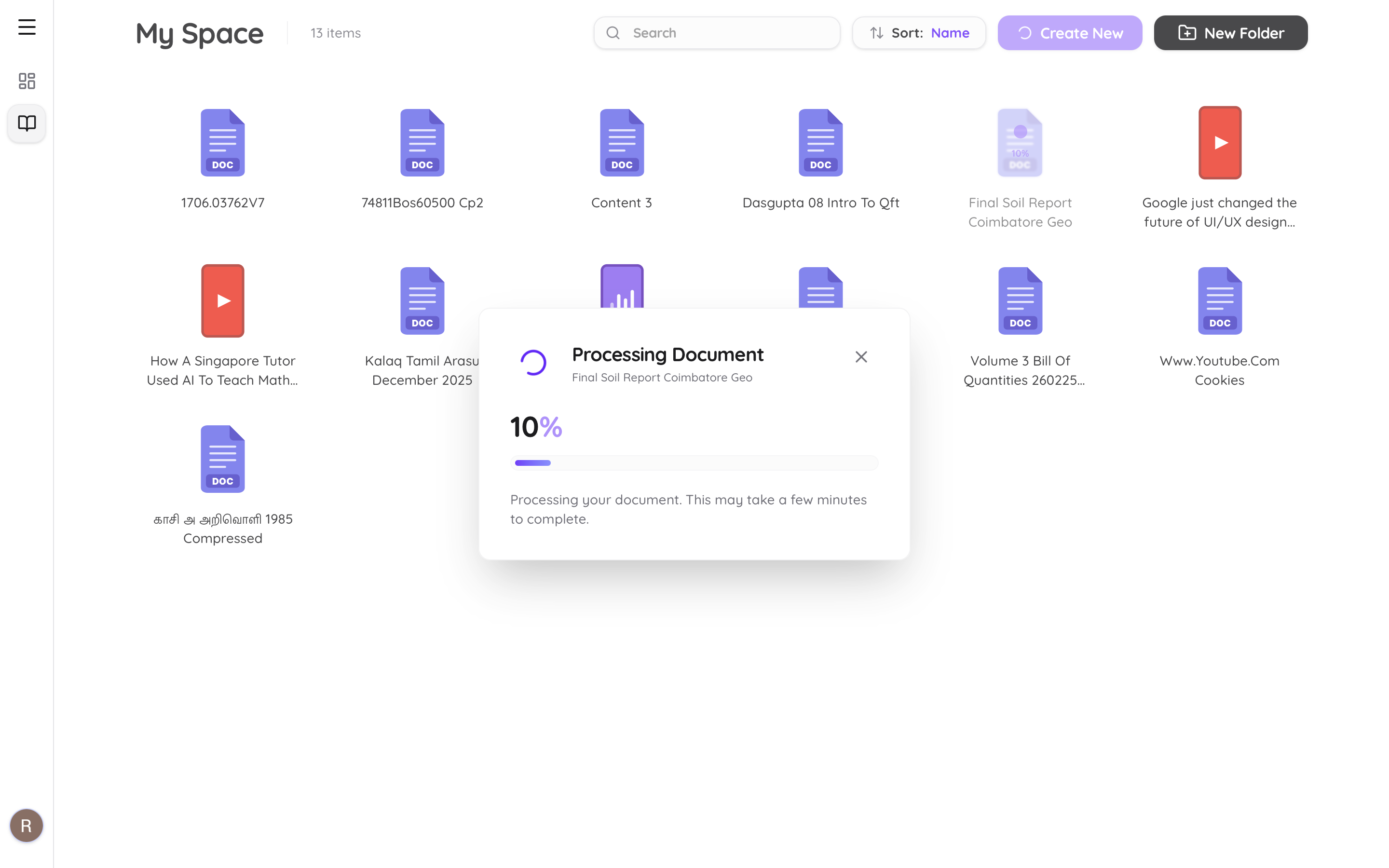
Step 3: Review Your Notes
You'll get clean, formatted notes with:
- •Structural headings matching the original chapter layout
- •LaTeX equations properly rendered
- •Editable content — you can modify anything
Step 4: Generate Study Materials
From the same uploaded PDF, you can also:
- •Generate flashcards for spaced repetition
- •Create practice quizzes with explanations
- •Chat with the document — ask questions and get cited answers
Supported File Types
| Format | Support |
|---|---|
| ✅ Full support (text + scanned) | |
| DOCX (Word) | ✅ Full support |
| PPTX (PowerPoint) | ✅ Full support |
| Images (JPG, PNG) | ✅ OCR extraction |
| YouTube links | ✅ Transcript extraction |
| Audio (MP3, WAV) | ✅ AI transcription |
Tips for Best Results
- •Use clear, text-based PDFs when possible — they produce the best notes
- •Scanned PDFs work too — AI uses OCR, but quality depends on scan clarity
- •Split large textbooks — upload one chapter at a time for focused notes
- •Use the chat feature — ask "What are the key points of Chapter 3?" for a quick summary
Turn your PDFs into study-ready notes in seconds. Try Atlas AI free →